

KeInformation
Introduction
QSpace Pro is a Mac file management artifact that far exceeds the functions of the system Finder, providing the ultimate flexible customization experience with an intuitive Finder-like interface, supporting 12 layouts in one window to switch at will, realizing efficient comparison, copying, moving of multiple folders, automatic completion of the interactive address bar, and quickly jumping to any location, one-click to open the current folder terminal or custom editor, click to calculate and compare
MD5/SHA256/SHA1/SHA224/SHA384/ SHA512/CRC32 and other file hashes, instantly create any type of file and support preset templates or custom content, built-in MacZip enhanced extractor can directly view and operate RAR/ZIP/7Z/TAR/GZ/BZ2/XZ/LZMA/LZ4 and other more than 20 compressed package formats like browsing ordinary folders, seamless connection to
FTP/SFTP/WebDAV/Dropbox/OneDrive/Google More than 20 types of remote servers and cloud storage such as Drive/Alibaba Cloud Disk/SMB/NFS/AFP/Amazon S3/Alibaba Cloud OSS, drag, drag, copy, move, and move like local files, Stash Shelf shelves easily collect file images from local/remote/webpage/clipboard and perform operations such as copying, moving, sharing, rename, hashing, etc., advanced batch renaming tools support free combination of naming rules, real-time preview, and compatibility with regular expressions, It is perfectly compatible with macOS 10.15 and above Intel and Apple chip devices, making it the preferred and efficient alternative for professional users to handle and manage documents remotely.
Screenshot
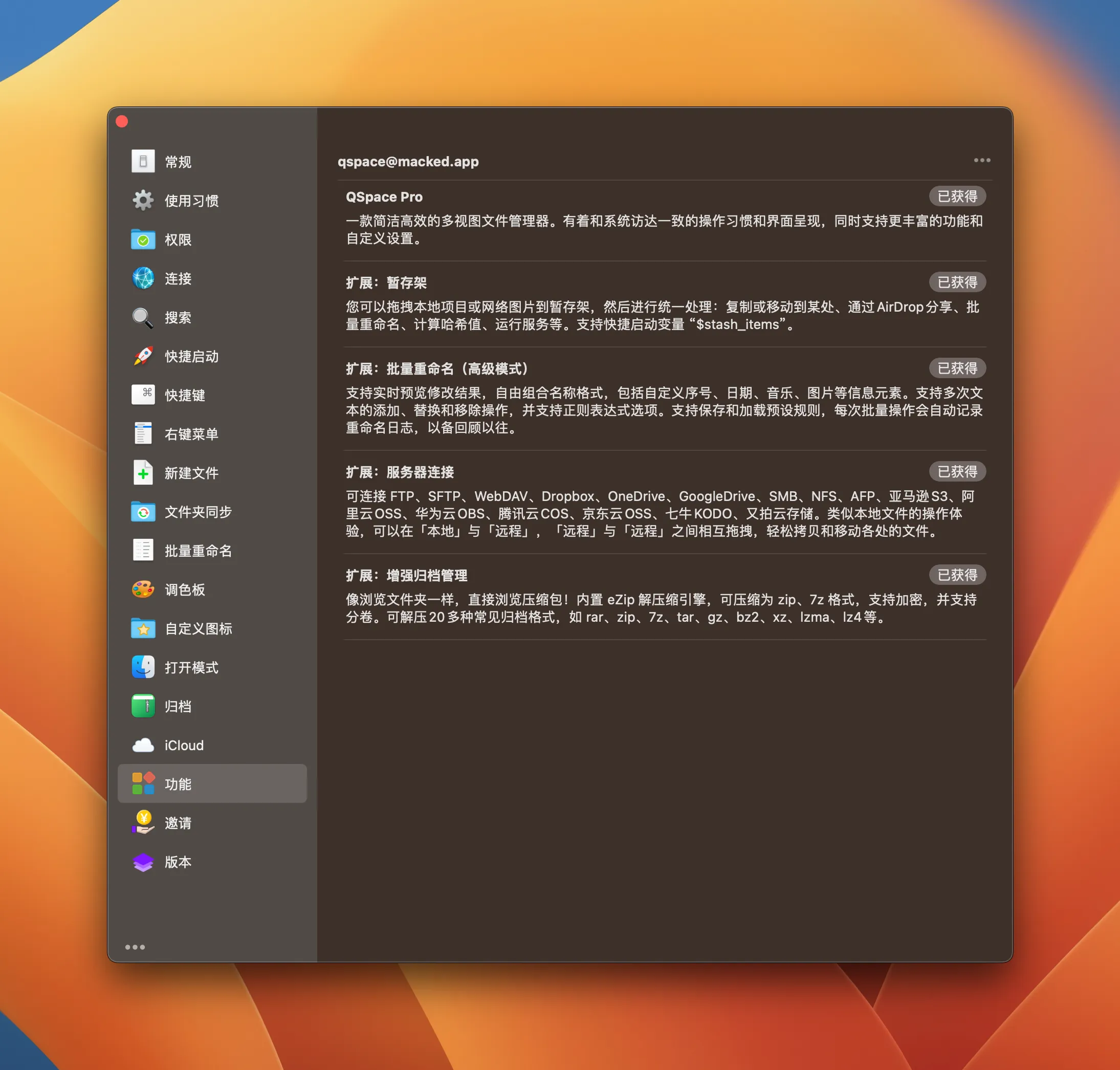
Key Features:
- 12 layouts to switch freely : In a single window, you can instantly switch between double columns, three columns, four columns, and even tree shapes, making it easy to compare on the same screen, copy in batches, move across folders, and greatly improve file management efficiency.
- Interactive address bar for quick navigation : Click on the address bar to manually enter the path, support auto-completion and history, and jump to any deep folder as smoothly as a browser.
- Open the terminal/editor with one click : In the current directory, you can customize shortcuts to directly invoke any terminal or editor such as Terminal, iTerm, VS Code, Sublime, etc., without the need for layered positioning.
- Instantly compute file hashes : Calculate and compare multiple hash values such as MD5, SHA256, SHA1, CRC32, etc. with one click, especially suitable for verifying the integrity of downloaded files or troubleshooting duplicate files.
- Built-in Enhanced Archiving Support (MacZip) : Directly enter 20+ compressed packages such as RAR, ZIP, 7Z, TAR, GZ, etc. like browsing normal folders, and view and drag and extract content without unzipping.
- Multi-protocol remote server connection : Natively supports FTP, SFTP, WebDAV, SMB, NFS, AFP, as well as more than a dozen cloud storage such as Dropbox, OneDrive, Google Drive, Alibaba Cloud Disk, Amazon S3, Alibaba Cloud OSS, etc., and drag and drop remote content like operating local files.
- Stash Shelf Temporary Collection Shelf : Quickly collect files/images from local, remote, network, and clipboard to the shelf, and support batch copying, moving, renaming, sharing, hash calculation, and other operations, which greatly facilitates material organization and cross-location transfer.
- Advanced bulk renaming : Supports free combination of adding/replacering/deleting text, regular expression matching, and real-time preview effects, and easily handles the naming standardization requirements of hundreds or thousands of files.





