

Information
Introduction
Wins is a tool that provides Mac users with efficient window management, with Windows-style window manipulation features designed to enhance productivity. Wins 3 is now available, and the app offers new features such as Cmd-Tab Plus, Dock window previews, enhanced Mission Control, and system-level integration, making window management more intuitive and convenient. Users can quickly switch, close windows, and even quickly split screen with simple drags, with support for custom shortcuts to suit individual workflows. Designed for Mac, it is compatible with the latest macOS Sequoia for smooth animations, allowing users to better organize and manage tasks and improve productivity, with many users saying that it has greatly changed the way they work.
Screenshot
Function
Wins is an efficient window management tool designed for Mac users, which greatly improves user productivity by introducing Windows-like window management functions. It is designed to simplify window operations, reduce the hassle of switching between multiple windows, and help users focus more on creating and learning.
- Cmd-Tab Plus : The upgraded version of the system-level ⌘-Tab, users can quickly preview, switch, and close windows without using a mouse.
- Dock window preview : Simply hover over the Dock icon to quickly view all open windows and improve multitasking efficiency.
- Enhanced mission control : With the enhanced version of Mission Control, users can quickly close windows or exit applications, improving the convenience of task management.
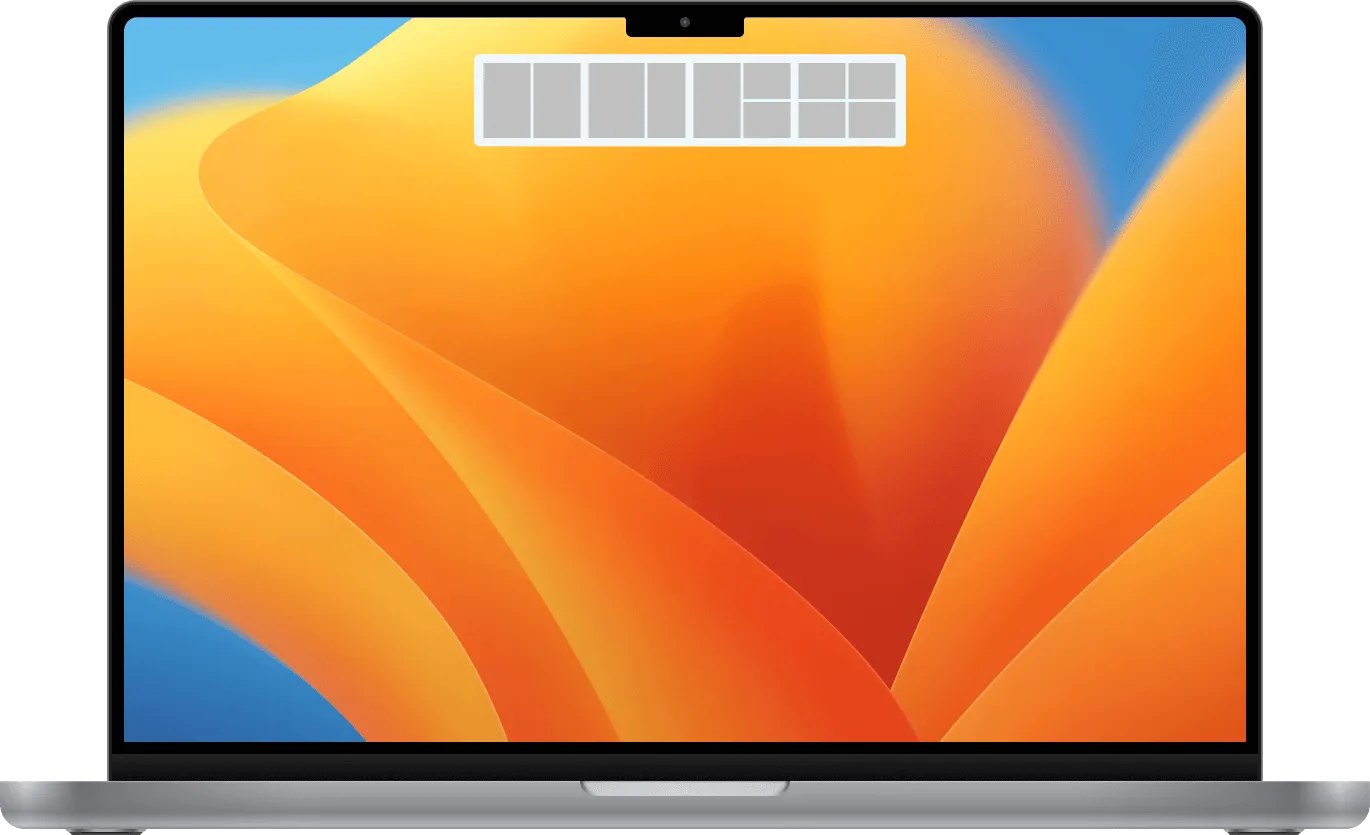
- Split windows quickly : Users can easily split windows by simply dragging them to the edge of the screen to create the perfect window layout.
- Hide all windows in one click : With shortcut keys, users can quickly hide all windows, quickly clean up the desktop, and keep the screen tidy.
- Elegant animation effects : It offers smooth animated transitions, making the software operation more aesthetically pleasing and enhancing the overall user experience.
It also supports custom shortcut keys, allowing users to configure window layouts according to their personal needs, compatible with the latest version of macOS, and suitable for most users’ work scenarios. Whether at home or in the office, it effectively simplifies daily window management, allowing every Mac user to enjoy a smooth and efficient work experience.





